

- New
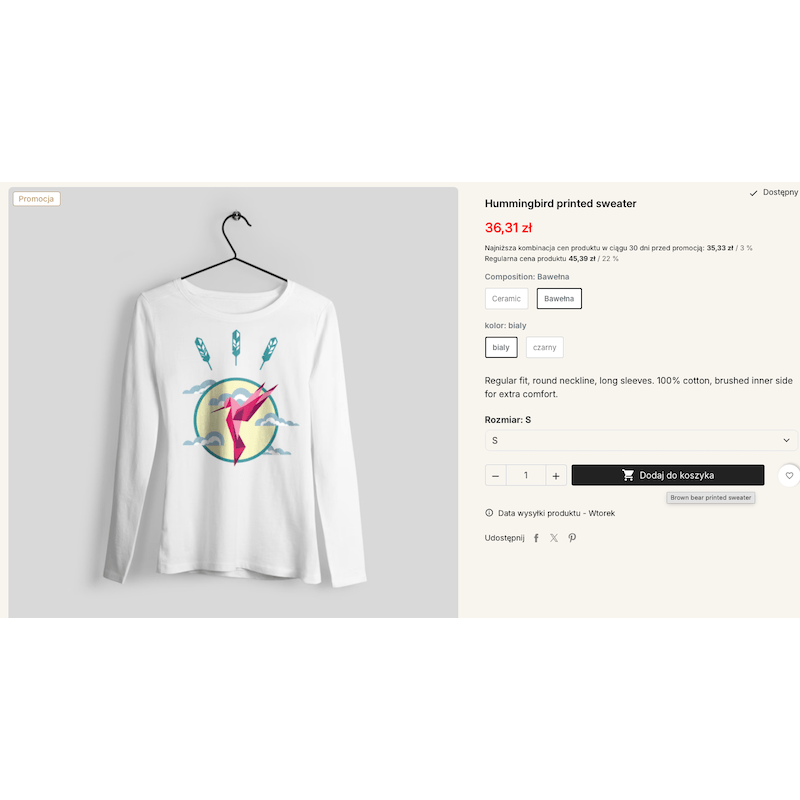
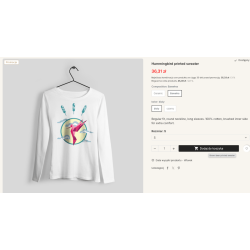
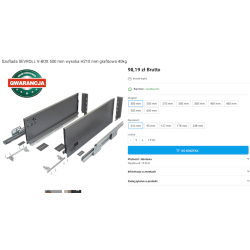
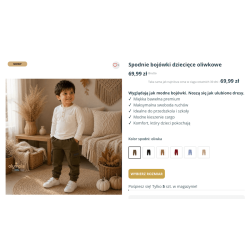
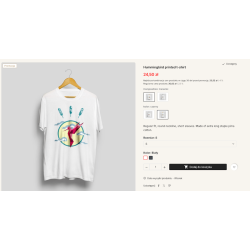
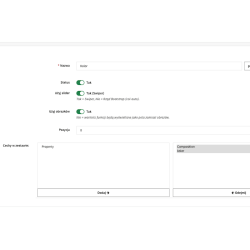
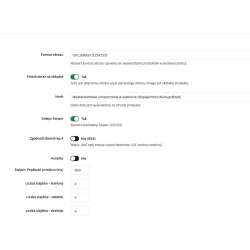
<p>Replace attributes with combining products by characteristics. Improve store speed, conquer seo values by presenting each combination as a separate product. </p>
Read more navigate_next
161.79 tax excl.

Full compatibility with PS 9.x
 Updates
Updates for 2 years from the date of purchase.
 Payments
Blik, Cards, PayPal, Transfer to the account. Implemented by: Imoje, FirstData, PayPal.
 Demo
Demo
Test before buying. Write to us for a temporary license for the module. Required Ioncube.
Do you want to combine products of different colors, materials or series without creating hundreds of combinations?
The module allows you to replace traditional combinations of PrestaShop products with a solution based on combining independent products by features (Features).
Instead of one product with many variants, each version can be a separate product in the store. Products belonging to the same family are then presented to the customer as related variants.
In a standard PrestaShop, multiple product versions can be saved as combinations of one product. With a large number of variants, the management of such a product card can become inconvenient.
The module allows you to apply a different approach: each version of the product is an independent product, with its own data, photos and URL.
For example, the product "Pendant lamp" can be used as separate products:
Products are combined into one family, so the customer can easily switch between available versions.
One of the most important advantages of the solution is the ability to use separate product pages for individual versions.
Each product can have its own:
Thanks to this, different versions of the product can be prepared for different search queries, instead of being presented only as combinations on one product card.
In the case of traditional combinations, many variants are located on one page of the product. When using separate products, each version can have its own website, which can be independently optimized for search engines.
The solution may be of particular interest to stores with many products that differ in color, material, series, size or other feature, if individual versions have their own value for the user and the search engine.
Instead of creating a single product card with a large number of combinations, you can manage multiple independent products linked into a family.
This approach can make it easier to manage products, especially when individual versions have different photos, descriptions, prices, or additional information.
The module automatically displays the available product options belonging to the same family on the product card.
The customer can see the available versions as photo thumbnails or feature values. Clicking on the selected option takes the user to the appropriate product page.
Thanks to this, the way you use the store resembles the classic choice of combinations, but each version is a separate product and has its own URL.
The display of related products can be configured according to the appearance of the store.
The module can present:
Built-in integration with Swiper allows you to present related products in the form of a scrolling carousel.
Depending on the configuration, products can also be presented as standard, static elements on the product card.
The module allows you to select the display location of the linked product block using the available hooks.
Thanks to this, you can adjust the position of the element to the construction of a specific PrestaShop template and how to present the information on the product card.
The module can work with both stores using Bootstrap 4 and Bootstrap 5. The appropriate mode can be selected in the module configuration.
The solution is particularly interesting for stores with a large number of products that differ in variants, which are also important from the SEO point of view.
The module can work well, among others, in stores selling:
Classic PrestaShop combinations work when different versions of the product should function as one product. In the case of a large number of variants or a situation in which each version should have its own page, separate products may be a more convenient solution.
The module allows you to maintain a convenient way of switching between variants, while using independent product pages.
The module allows you to use an alternative way of organizing variants, in which individual versions are separate products connected by characteristics.
Yes. Since the individual versions are independent PrestaShop products, each has its own URL.
Yes. Each version functions as a separate product, so it can have its own description, photos and SEO data.
Yes. The module presents related products on the product card. After selecting a specific option, the customer goes to the right product.
Yes. The module allows you to configure the way related products are presented, including through photos or feature values.
Yes. Integration with the Swiper library is available, which allows you to present related products in the form of a scrolling carousel.

You might also like
<p>Replace attributes with combining products by characteristics. Improve store speed, conquer seo values by presenting each combination as a separate product. </p>