

Thank you for purchasing modules and services from our company.
Customers using our services have access to unlimited updates for the modules they have purchased. Information about new versions is included in the product description.
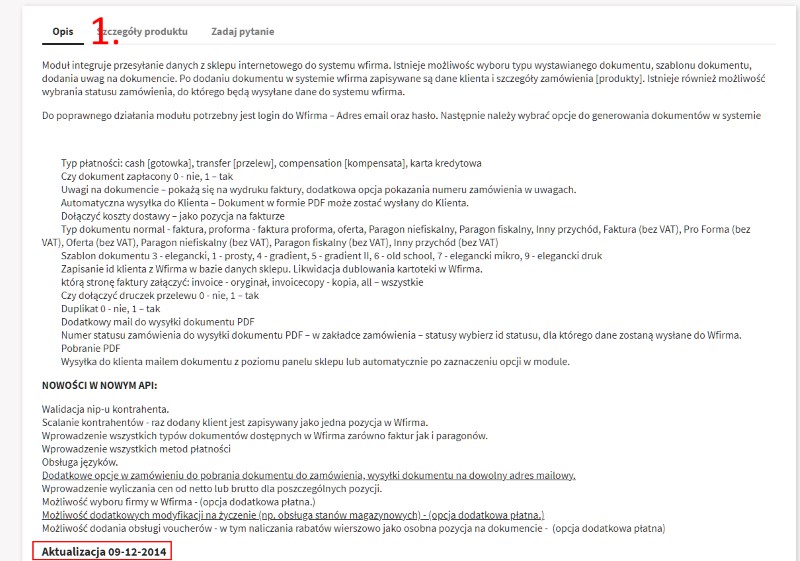
You can check the version of the installed module in the modules tab:

You can download the new version of the module after logging into your customer account at europasaz.pl
https://europasaz.pl/logowanie?back=my-account
or, if the order was placed as a "guest," by using the link sent after the payment was credited in the order confirmation email. Customers with an account can also use this option.
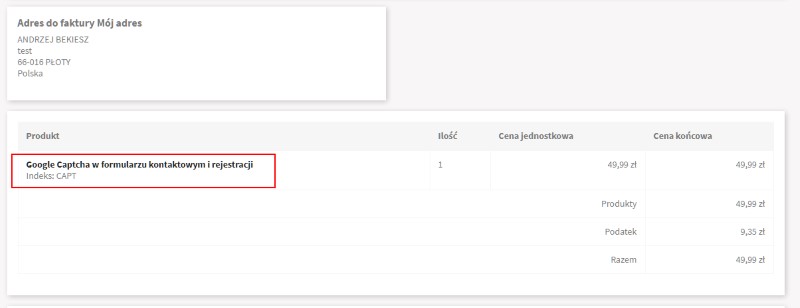
After logging in, download the module using the order details option. After using this option, all information about the purchase will be displayed. Download the module by clicking on its name.
Update process:
1. Using the back office, go to the modules tab and use the uninstall option, then delete the module. Upload the downloaded zip file using the "add new module" option [top right corner of the page]. After the installation is complete, check and correct the module configuration.
2. Using an FTP client, unzip the module and then upload it to the modules directory on the server.
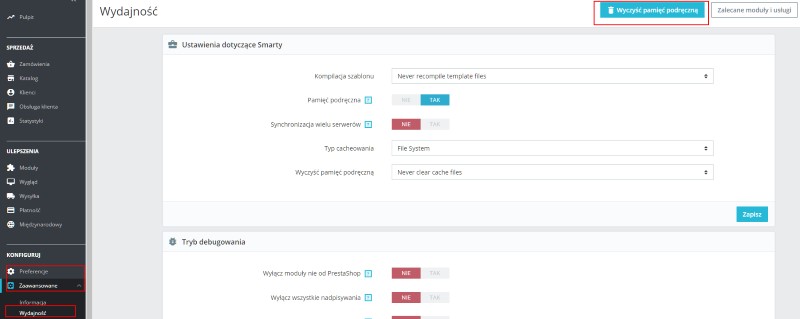
In both cases, we recommend clearing the store cache. Go to the "Preferences" tab -> "Performance" - click the "Clear cache" button in the right corner.