


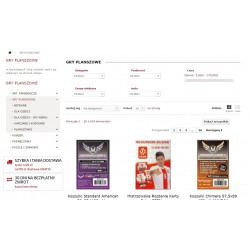
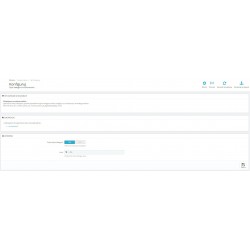
The module allows you to display the category title and description in the left or right column of PrestaShop. In the administration panel, you can set the number of characters for the introduction and enable or disable the block header.
Read more navigate_next
80.49 tax excl.

Full compatibility with PS 9.x
 Updates
Updates for 2 years from the date of purchase.
 Payments
Blik, Cards, PayPal, Transfer to the account. Implemented by: Imoje, FirstData, PayPal.
 Demo
Demo
Test before buying. Write to us for a temporary license for the module. Required Ioncube.
The module moves the category title and description from the center column to the left or right column of the store. Additionally, it allows you to set any number of characters as an introduction to the description. This way, we increase the usability of the store and significantly improve the website's SEO by adding descriptions to categories without having to pay attention to the length of the description.

The module allows you to display the category title and description in the left or right column of PrestaShop. In the administration panel, you can set the number of characters for the introduction and enable or disable the block header.